
Brand visuals have to carry more than a mood. A launch image may need to preserve a product's shape, follow a color system, leave room for a headline, and move into a designer's hands without a full restart.
Whisk AI, Adobe Firefly, and Recraft V4 start from different parts of that problem. Whisk AI is built around reference-led image direction. Firefly connects generation and editing to Adobe's wider production environment. Recraft V4 puts design judgment, structured text, and vector output close to the first generation.
This comparison uses five decision points: identity fidelity, system consistency, layout control, handoff value, and the cost of the next revision. It treats each product as a different path through a brand workflow, not as one model contest. Start in the Whisk AI workspace when you want to test the reference-led path with a real subject.
The short answer
| Path | Best starting point | Brand control surface | Output and availability | Main constraint |
|---|---|---|---|---|
| Whisk AI | Explore several campaign directions from an approved reference | Optional Subject, Scene, and Style image slots plus a text prompt in the image workspace | Image-first creation workspace with a reference-remix path | Remix can reinterpret labels, marks, and small physical details |
| Adobe Firefly | Move from concept into an Adobe-centered production process | Model selector, composition and style references, aspect ratio, content type, visual intensity, Generative Fill, Generative Expand, and Prompt to Edit | Adobe models and partner models in one app, with Creative Cloud handoff and Content Credentials | Adobe's commercial-safety claim applies to its own Firefly models, not every partner model |
| Recraft V4 | Create design-led raster, text, illustration, or vector assets | Prompt understanding, structured text, V4 and V4 Pro raster variants, and V4 Vector variants | Web app and API; V4 Pro targets 2048x2048 output and V4 Vector produces editable SVG | The V4 model page lists prompt-based editing, style creation, image sets, and artistic level control as unsupported |
Choose Whisk AI for reference-led scene exploration, Firefly for an Adobe-centered production surface, and Recraft V4 for design structure, readable short text, or scalable vector geometry.
What brand visuals should measure
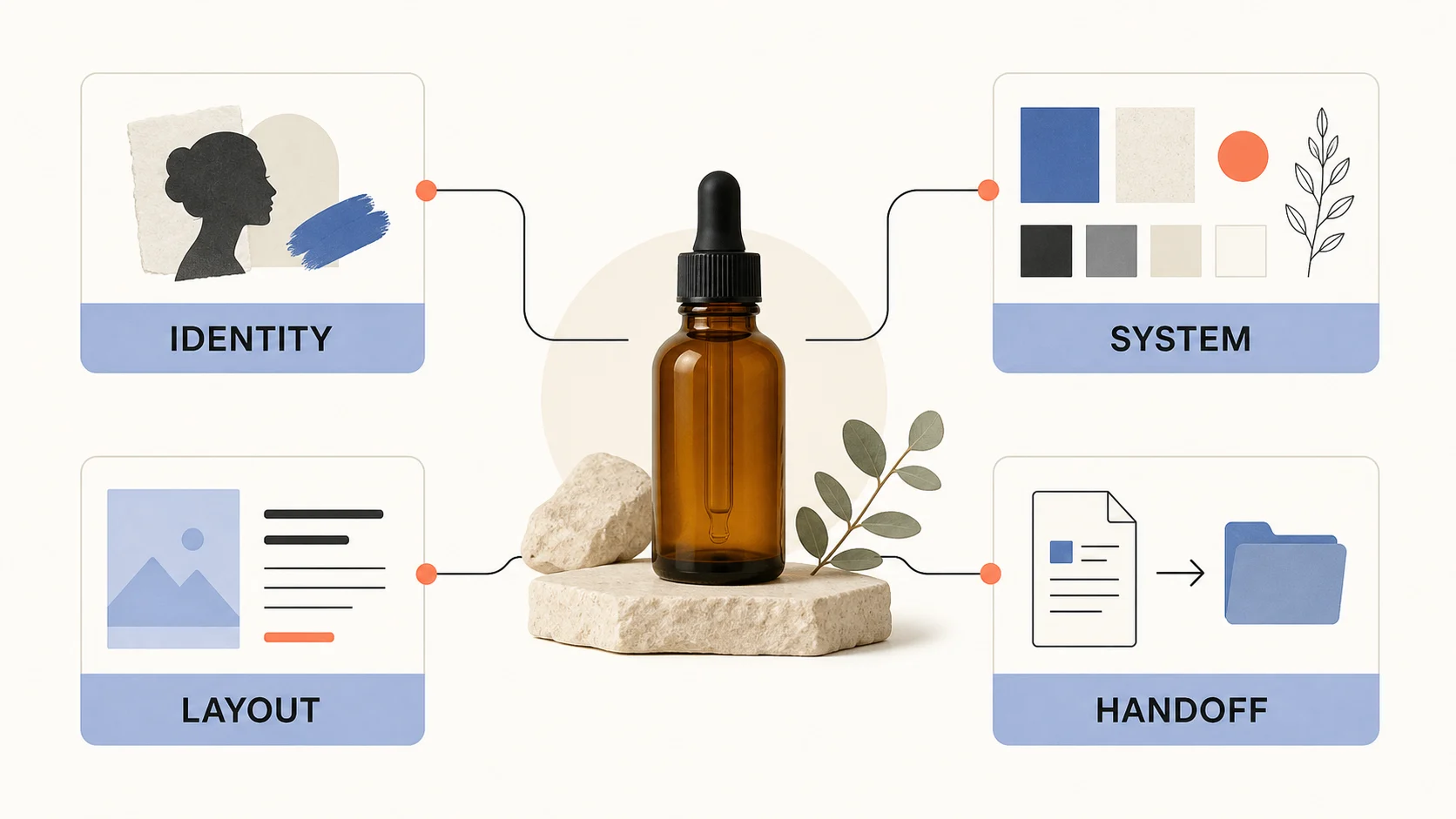
Brand work needs a stricter scorecard than a general image prompt. Review the output against the job it must perform:
| Review dimension | Question | Pass signal |
|---|---|---|
| Identity fidelity | Does the product or subject stay recognizable? | Shape, proportions, material, and important marks survive the direction change |
| System consistency | Does the image belong to the brand family? | Color, contrast, lighting, texture, and composition support the same visual language |
| Layout and copy | Can the frame hold the message? | The crop leaves useful space for approved copy without crowding the subject |
| Production handoff | Can another person continue the work? | The source, references, prompt, output ratio, and review notes stay together |
| Next revision | Can the team name one bounded correction? | A defect maps to one input change instead of a full restart |
The last measure changes campaign economics. Keep the approved product file as the source of truth, then judge each generated image by how much useful direction it adds around it.
Whisk AI: reference-led brand direction
Whisk AI gives each reference a clear role. In the current image workspace, its image-to-image path exposes three optional one-image roles: Subject, Scene, and Style. Keep the product steady while testing a setting, surface, or treatment.
Use the slots with a narrow brief:
- Put the approved product or person in Subject. It answers what must remain recognizable.
- Put a location, prop arrangement, or composition cue in Scene. It answers where the image takes place.
- Put a palette, material, lighting, or editorial treatment in Style. It answers how the frame should feel.
- Use the prompt for audience, crop, negative space, and details that the references cannot state.
This division fits early brand work: test studio, seasonal, and lifestyle routes without rebuilding the idea from a blank prompt. The AI product photography guide applies the same separation to a product campaign.
Whisk AI does not lock every pixel in the reference. A generated image can change a label, cap, small mark, color temperature, or proportion while preserving the broad direction. Use it to expand the campaign route, then return to approved photography and design files for exact packaging, claims, dimensions, and legal copy.
Whisk AI is a strong first path for finding a visual language before a photo shoot, exploring one product across campaign environments, and giving a designer a concrete direction to refine.
Adobe Firefly: a production workspace around the image
Firefly covers more of the path between an idea and a production file. Its current image flow lets you choose Adobe or partner models, set an aspect ratio and content type, adjust visual intensity, and use composition or style references.
Firefly keeps editing close to generation. Generative Fill, Generative Expand, and Prompt to Edit can change a crop, add copy space, or remove a prop before the team continues in Photoshop, Premiere, or Adobe Express.
Adobe says its Firefly models use licensed Adobe Stock and public-domain content whose copyright has expired, are commercially safe, are not trained on personal or generated content, and add Content Credentials to outputs. Keep the boundary clear: a partner model in the app has its own terms and output conditions.
Budgeting follows a credit system. Adobe's current help documentation describes one generative-credit currency for Standard and Premium Firefly features, with monthly allocations that reset each billing cycle. The free plan offers daily generations, while paid plans add access and credits. Check the selected model and plan before you estimate a campaign batch.
Firefly fits teams that need composition-led variations, bounded frame changes, Creative Cloud handoff, and Content Credentials in one process. Its breadth is also the tradeoff: record the selected model because cost, license, and controls can differ.
Recraft V4: design-first brand assets
Recraft V4 approaches brand visuals as design work rather than scene generation alone. Its official documentation emphasizes balanced composition, cohesive color, refined detail, structured text, and raster or vector output for posters, packaging concepts, menus, and social graphics.
The V4 family has four API variants:
| V4 option | Current API price per image | Best fit |
|---|---|---|
| Recraft V4 | $0.04 | Standard raster concept generation |
| Recraft V4 Pro | $0.25 | Higher-resolution, detailed raster work |
| Recraft V4 Vector | $0.08 | Editable SVG and scalable design geometry |
| Recraft V4 Pro Vector | $0.30 | Higher-detail vector production work |
Recraft says all V4 variants are available on every plan type, including Free. V4 Pro outputs at 2048x2048, and supported formats include SVG, PNG, JPG, PDF, TIFF, and Lottie, which can reduce handoff cost for editable geometry.
The model page lists style creation, prompt-based editing, image sets, and artistic level control as unsupported in V4. Use it for design-led generation and broad variations, not as an assumed surgical editor for an existing asset.
Recraft V4 is a good fit when the first deliverable needs structured typography, illustration, a social layout, or an editable SVG and broad variation is acceptable.
Choose by brand job
Preserve a known product while changing the setting
Start with Whisk AI. Give Subject one dependable product reference, add Scene for a new question, and use Style to steer the treatment.
Continue inside an Adobe production process
Start with Firefly. Use composition and style references first, then Generative Fill or Expand for practical changes inside an Adobe review process.
Build a design asset or vector handoff
Start with Recraft V4 when typography, illustration, color relationships, or scalable geometry belongs in the first deliverable. Route trademark details and regulated language through design approval.
Protect exact packaging and legal copy
Use the approved source file as the authority. All three paths can shape a campaign direction, but generated pixels should not define claims, ingredients, dimensions, or mandatory label text. The earlier comparison of product and marketing images uses the same review rule.
| Brand job | First path to test | Why it fits | Review target |
|---|---|---|---|
| Product in several campaign scenes | Whisk AI | Subject, Scene, and Style keep reference roles visible | Product shape, marks, and color drift |
| Concept to Adobe production file | Adobe Firefly | Generation and edit controls sit beside the production ecosystem | Model choice, credits, provenance, and handoff |
| Structured social graphic or vector asset | Recraft V4 | Design judgment, short text, and SVG output sit near generation | Spelling, hierarchy, geometry, and export format |
| Exact final packaging image | Approved photography and design tools | The source file carries the product truth | Legal copy, claims, dimensions, and color approval |
Run a fair brand-visual test
Use one brief that gives each path a real brand question:
Create a landscape launch visual for an unbranded amber skincare bottle. Keep the bottle shape, black cap, and warm glass. Place it in a calm limestone setting with clear space on the right for approved campaign copy. Use a quiet cobalt and coral accent system.
Run the test in five passes:
- Use the same product reference, target orientation, and review criteria for every path.
- Give Whisk AI the same question through Subject, Scene, Style, and prompt. Give Firefly the same intent through its composition and style controls. Give Recraft V4 the same source and a clear design brief.
- Generate three first directions per path. Keep the number of attempts visible instead of selecting a favorite from an unknown batch.
- Ask for one correction: move the bottle left, preserve the cap, and keep the copy space open.
- Record the model or path, inputs, output size, credits or price, failed detail, and next edit.
The fair result reaches an approvable direction with the least rework. Do not compare one polished branch with another tool's first render.
Review before approval
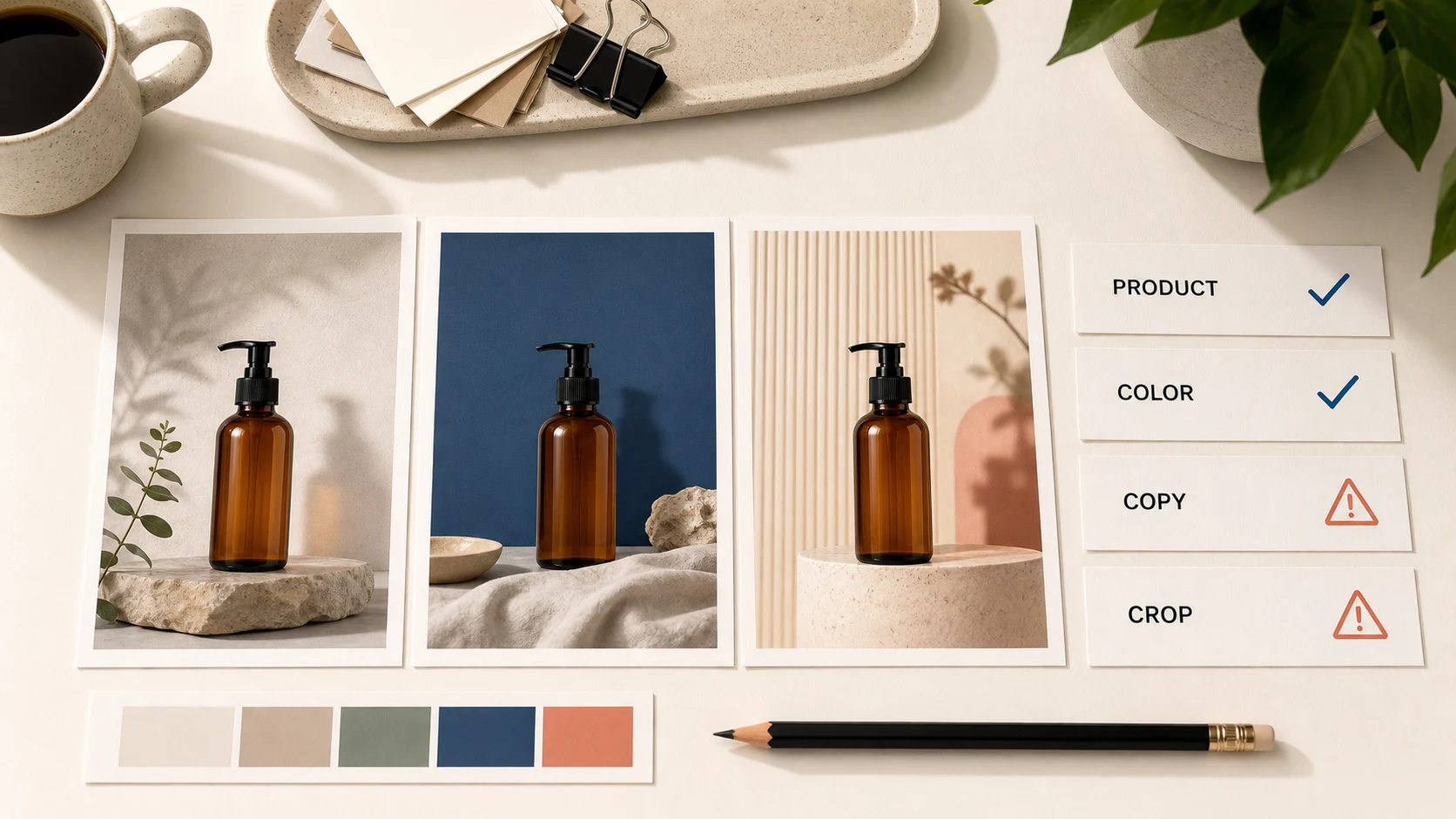
Review each output at the size and crop where a customer will see it. Use four checks before a brand owner approves a direction:
- Product: Does the subject keep the silhouette, material, and marks that matter?
- Color: Does the palette stay inside the brand system across the whole frame?
- Copy: Is every visible word readable, correct, and approved outside the generation step?
- Crop: Does the image leave room for the actual channel, headline, and call to action?
| Check | Approve when | Revise when |
|---|---|---|
| Product | The subject remains recognizable at thumbnail size | The shape, cap, surface, or mark changes without permission |
| Color | The frame supports the approved palette and contrast | Light, background, or props push the image outside the system |
| Copy | The team replaces generated wording with approved text | A generated word, label, or claim reaches the review deck as fact |
| Crop | The ratio and copy space match the channel | The subject or headline area needs a new composition |
| Next edit | One person can describe one bounded correction | The team must restate the whole brief to fix one defect |
Bottom line
Whisk AI is the clearest first path for reference-led brand exploration. Firefly fits generation, editing, Adobe handoff, and provenance in one environment. Recraft V4 fits design-led output where readable short text, structure, or editable vectors matter from the start. The right choice reduces the next revision without weakening the truth of the brand.
Frequently asked questions
Which tool is best for brand visuals?
The brand job decides. Use Whisk AI for reference-led scene exploration, Adobe Firefly for Adobe-centered generation and editing, and Recraft V4 for design-led raster or vector output.
Which option is best for a known product reference?
Whisk AI gives the reference roles the clearest separation. Firefly also supports composition and style references. Both can reinterpret product details, so compare the output with the approved source before publication.
How should I start a Whisk AI brand test?
Use one approved Subject reference, add a Scene that answers a concrete campaign question, and add a Style reference only when it carries a distinct visual decision. Start with a manageable output size, review the direction, and record the next correction before expanding the set.