GPT Image 2.5 is an OpenAI image model available on Whisk AI for text-to-image generation and image-to-image editing. You can guide edits with reference images and choose quality, aspect ratio, resolution and background settings.
 Whisk AI
GPT Image 2.5 Image Generator & Editor
Create from text or refine an existing image with OpenAI’s GPT Image 2.5. Guide edits with references and choose quality, resolution and background.
What GPT Image 2.5 helps you make
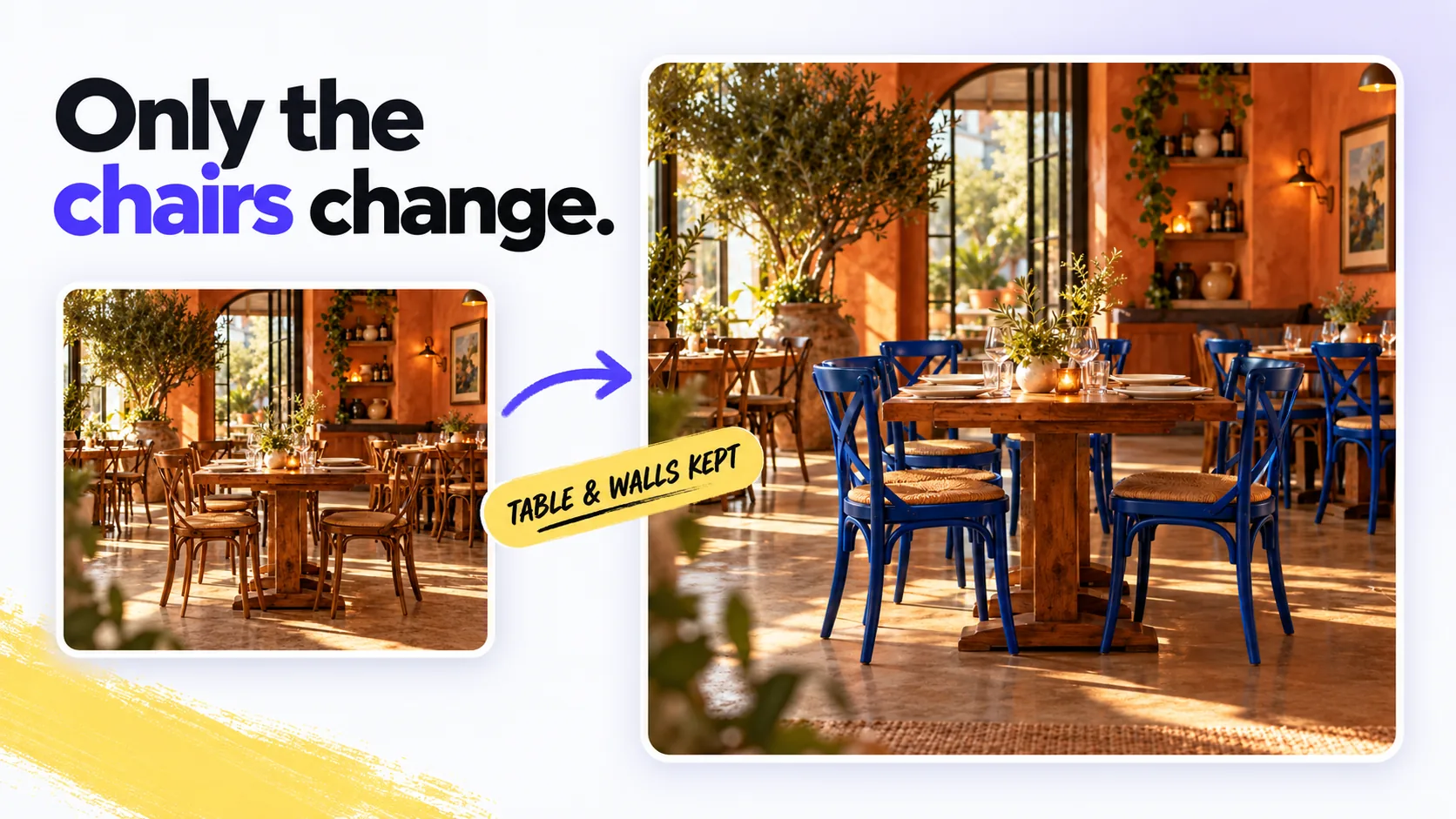
Blue chairs from a dining-room photo
Recolors chairs in an uploaded dining-room photo, with instructions to keep the table and walls as they are.
Create an image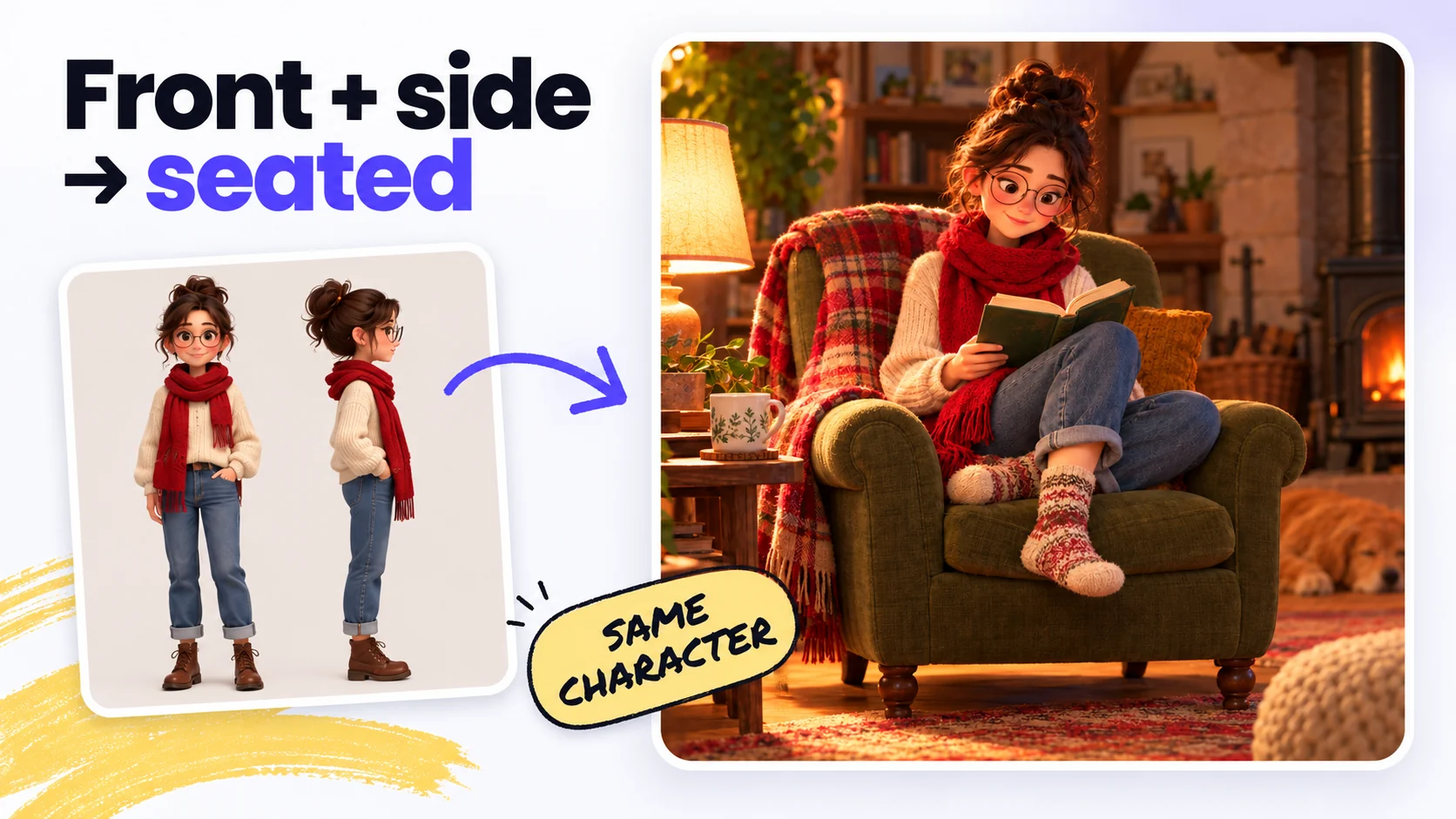
Reference-guided subject variations
Uses uploaded subject references to create new scenes and poses for character studies and design variations.
Create an image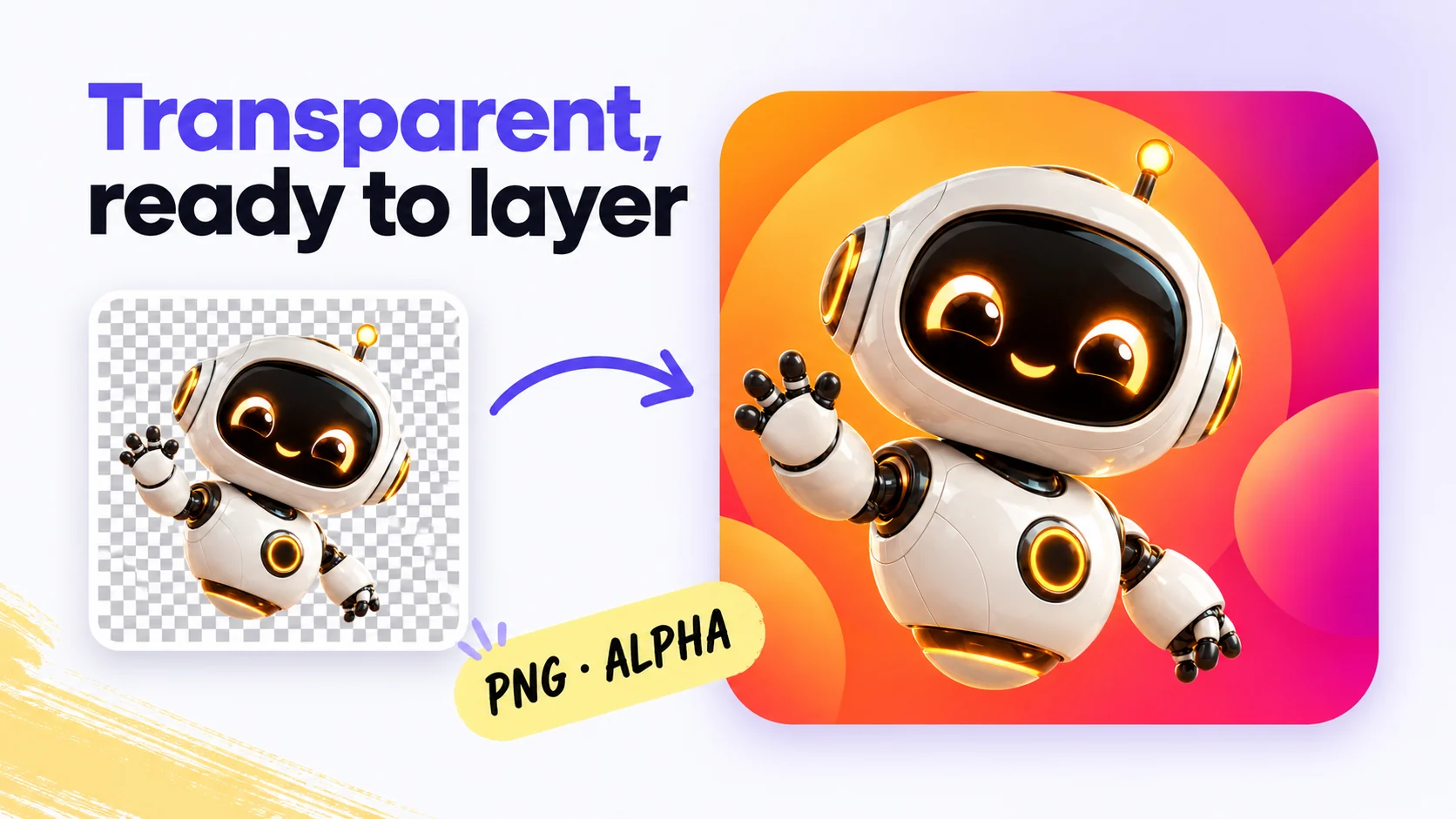
Standalone assets for layered layouts
Generates transparent-background illustrations to layer over slide decks, packaging mockups and web layouts.
Create an image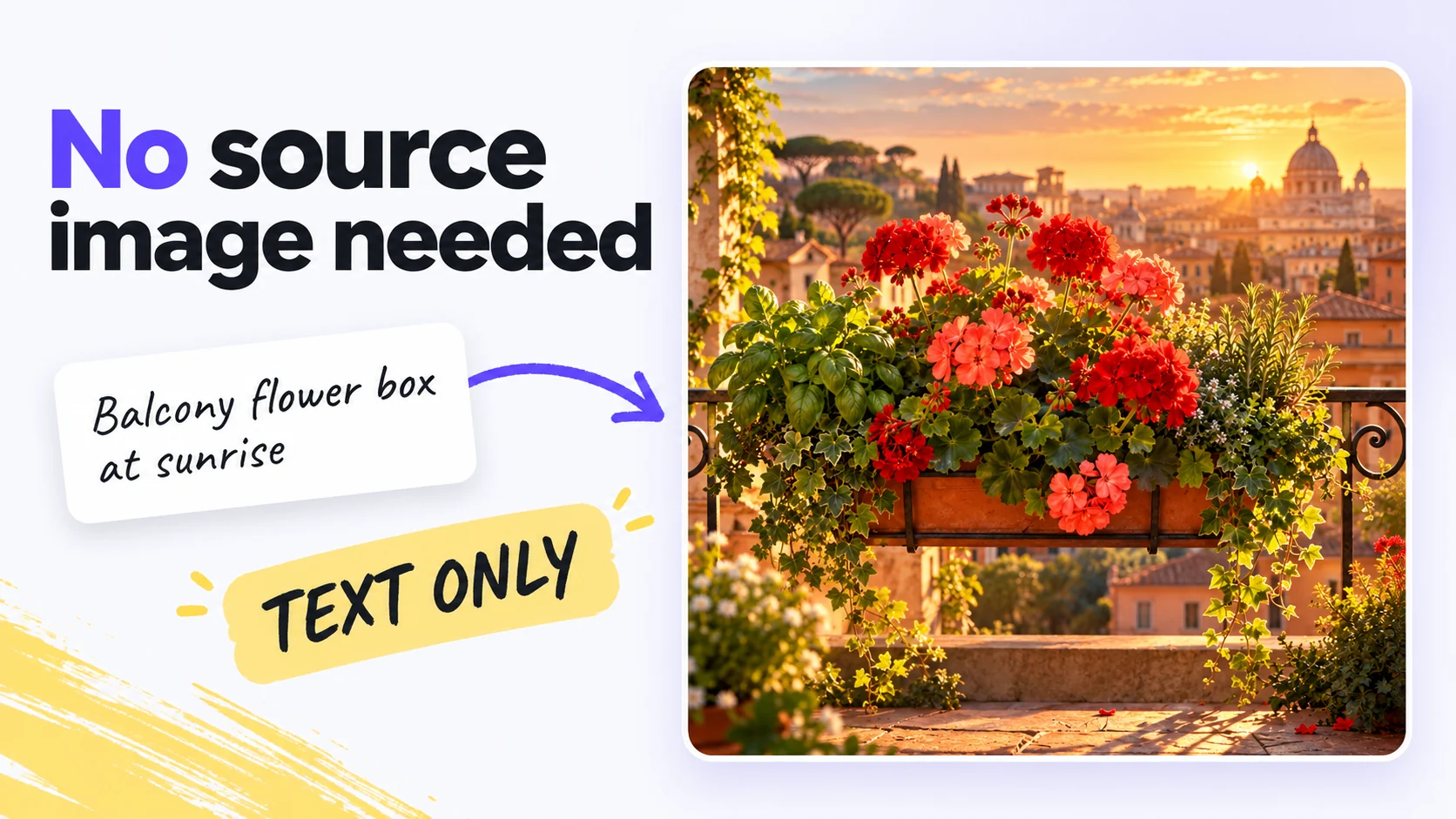
Original illustrations from written briefs
Turns descriptions of subjects, composition and style into original illustrations without a source image.
Create an image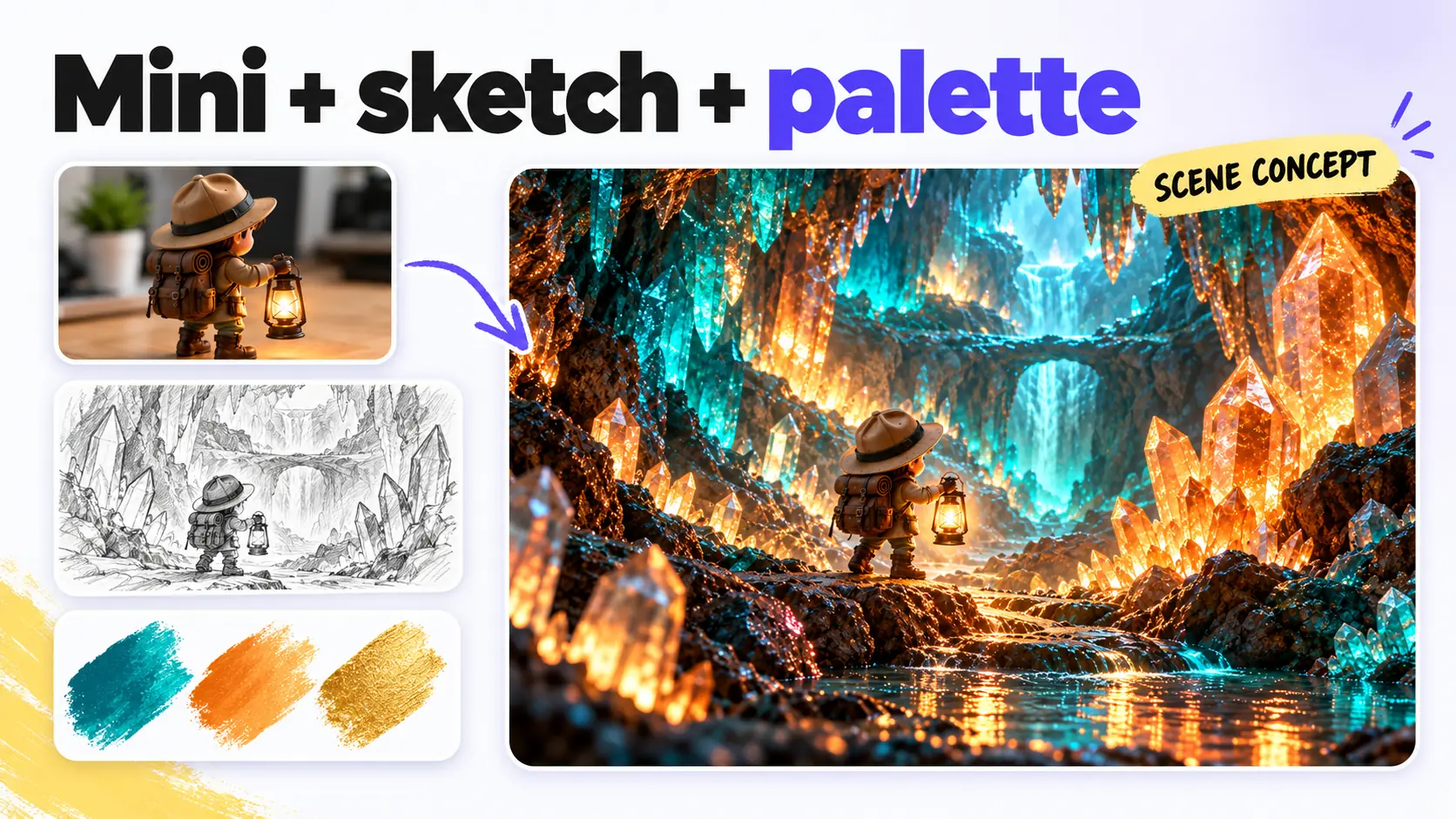
Visual direction from multiple references
Combines subject, palette and setting references into one image. Specify what to take from each reference.
Create an imageCreate or revise with GPT Image 2.5
Put GPT Image 2.5 to work
GPT Image 2.5 FAQ
GPT Image 2.5 generation and editing use 6 credits for 1K, 10 credits for 2K, or 16 credits for 4K output. Paid plans add more credits.
GPT Image 2.5 images, including transparent-background artwork, download without a visible watermark.
GPT Image 2.5 artwork can be used commercially when you hold the rights to the room photos, character sheets, sketches and other references you upload, under the Terms of Service and content policy.
Both use the GPT Image 2.5 model. Whisk AI provides a browser workspace with reference uploads, Flare or Sunburst quality, background settings and image downloads without a ChatGPT chat.
GPT Image 2.5 adds Flare and Sunburst quality options and a background selector. Supported aspect ratios offer 1K, 2K or 4K output. GPT Image 2 also supports generation and editing with resolution and aspect-ratio settings, but has no quality or background selector.
GPT Image 2.5 supports both text-to-image and image-to-image, accepts up to 16 references for edits, and includes quality and transparent background options. Nano Banana Pro on Whisk AI is image-to-image only with up to 8 references. Both offer resolution choices up to 4K.
Yes. Choose Transparent for the background. Inspect edges around fine details before layering the image over another layout.
Choose 1K, 2K or 4K for supported square, portrait and landscape ratios, including 1:1, 3:2, 2:3, 4:3, 3:4, 16:9, 9:16 and 21:9. The additional 27:16, 16:27, 9:8 and 8:9 shapes support 1K only. Auto is also available.
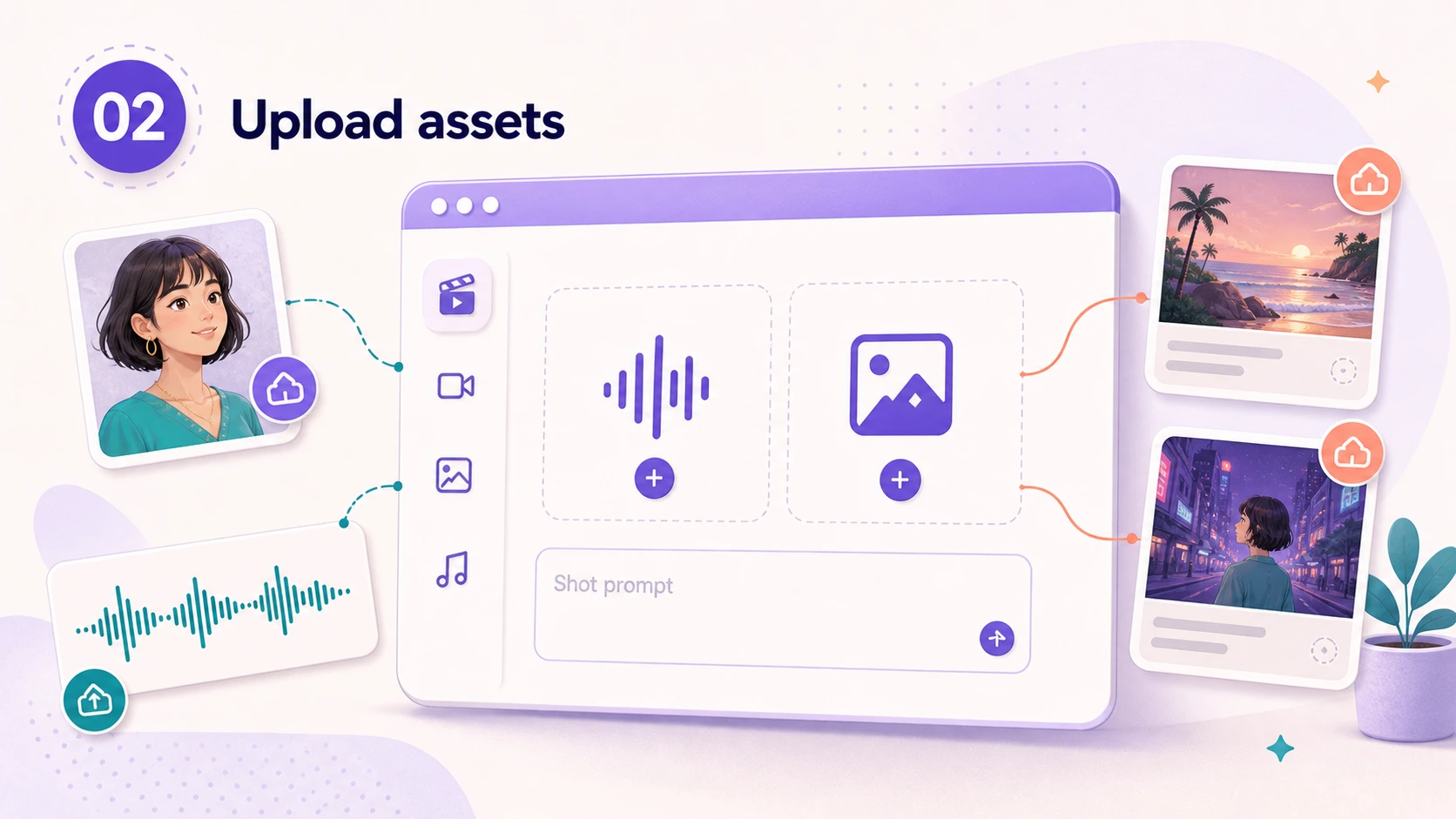
Image-to-image editing accepts up to 16 JPEG, PNG or WebP images, each up to 10 MB, and requires at least one reference. Text-to-image generation does not require an upload.
The Quality menu has two options: Flare, the faster default, and Sunburst, the premium option with finer control over the result. Both cost the same: 6 credits at 1K, 10 at 2K, and 16 at 4K. Separately, choose Resolution (1K, 2K or 4K) and Background (Auto, Opaque or Transparent). The 27:16, 16:27, 9:8 and 8:9 aspect ratios support 1K only.
Compare image generators and editors
Create with GPT Image 2.5
GPT Image 2.5 creates illustrations from written briefs and revises uploaded images, with transparent backgrounds available for layered artwork.
Create an image