
Photorealistic product scenes are useful when the product stays believable while the setting changes around it. The bottle, package, material, and silhouette still need to read as one object. The light, crop, surface, and surrounding props can change to fit a campaign.
FLUX.2, Seedream 5.0, and GPT Image 2 approach that job from different directions. FLUX.2 is a multi-reference family with photorealism, color control, and up to 4MP output. Seedream 5.0 is a current model family with a Pro surface from ByteDance, while Whisk AI exposes a Seedream 5.0 Lite entry with image and text generation. GPT Image 2 combines image input, instruction-led editing, masks, and multi-turn refinement, and Whisk AI exposes it in both text-to-image and image-to-image modes.
This is a workflow comparison, not a claim that one model wins every product brief. The useful choice depends on what must stay true, how many references have distinct jobs, where the output will go, and how expensive the next correction will be. Start in the Whisk AI workspace when you want to explore a product direction without building a separate generation pipeline.
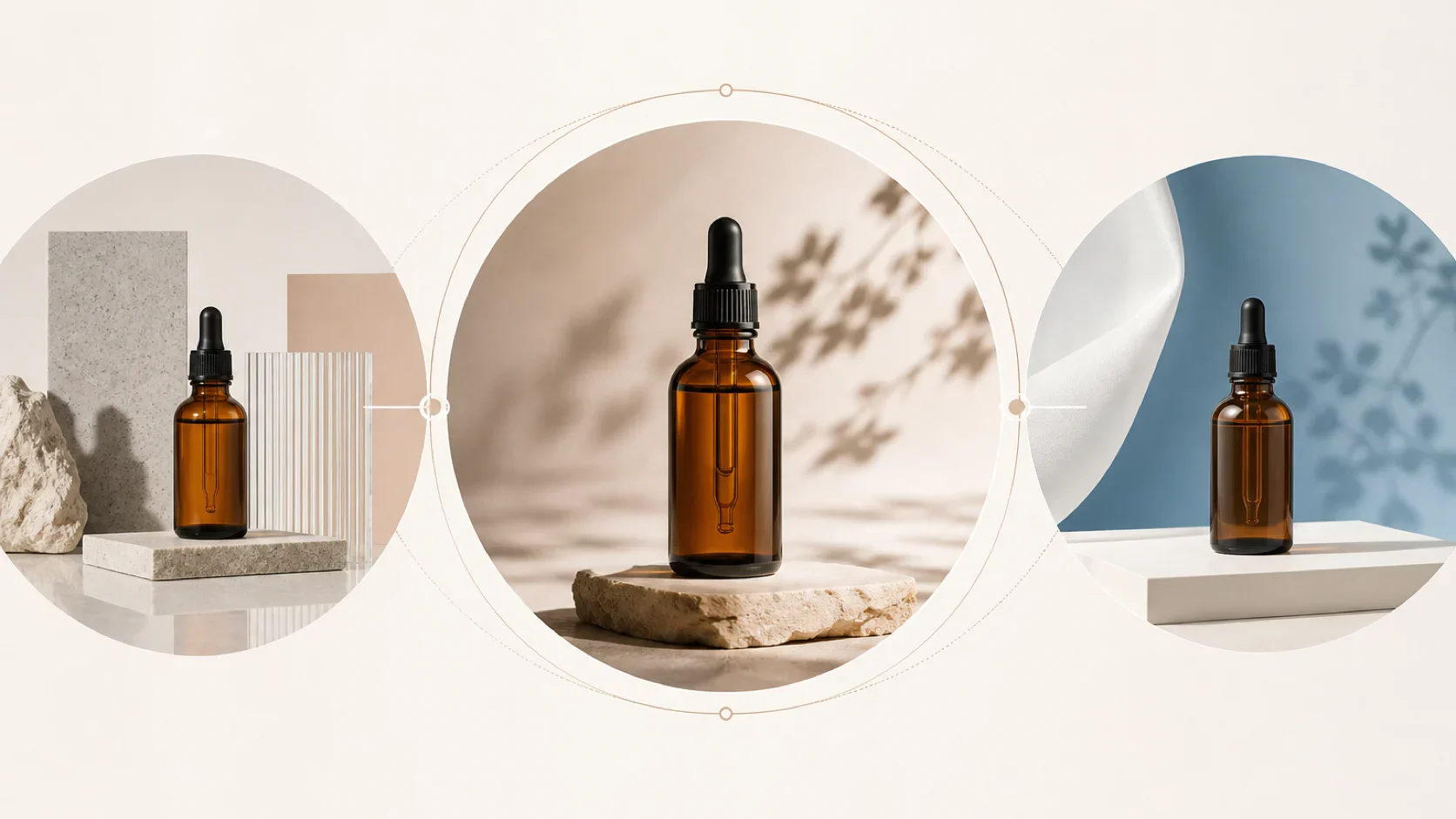
The short answer
| Product-scene job | Strongest starting point | Why it fits | Main check before approval |
|---|---|---|---|
| Combine a product, material, location, and color reference in one scene | FLUX.2 | Multi-reference editing, photorealistic detail, color control, and model variants make the input set explicit | It is an external API or playground path, not a current Whisk generation option |
| Explore a photoreal product direction with a wide ratio in Whisk AI | Seedream 5.0 Lite | The current Whisk entry supports text-to-image and image-to-image, 16:9 and 21:9 ratios, and Basic or High quality | Do not treat the Lite entry as the same variant as Seedream 5.0 Pro |
| Preserve a known product while iterating on the scene | GPT Image 2 | Image input, masks, multi-turn edits, and 1K, 2K, or 4K choices suit bounded revisions | Labels, exact geometry, and small brand details still need a human review |
Choose FLUX.2 when the scene needs several references with separate visual jobs. Choose Seedream 5.0 Lite when the brief needs a fast photoreal direction inside the current Whisk catalog. Choose GPT Image 2 when the product is known and the team expects to revise the setting one instruction at a time.
What photorealistic product scenes measure
The first output can look convincing and still fail a product brief. Review the job in five parts:
- Product truth: Does the silhouette, cap, closure, material, and surface finish stay recognizable?
- Light and material: Do glass, metal, paper, liquid, fabric, and stone respond to the same light source?
- Scene control: Can you change the backdrop, crop, camera distance, or prop set without changing the product?
- Output fit: Does the result have the ratio, resolution, framing, and negative space needed by the next channel?
- Revision cost: Can the next request target one variable, or does one wrong detail force a full restart?
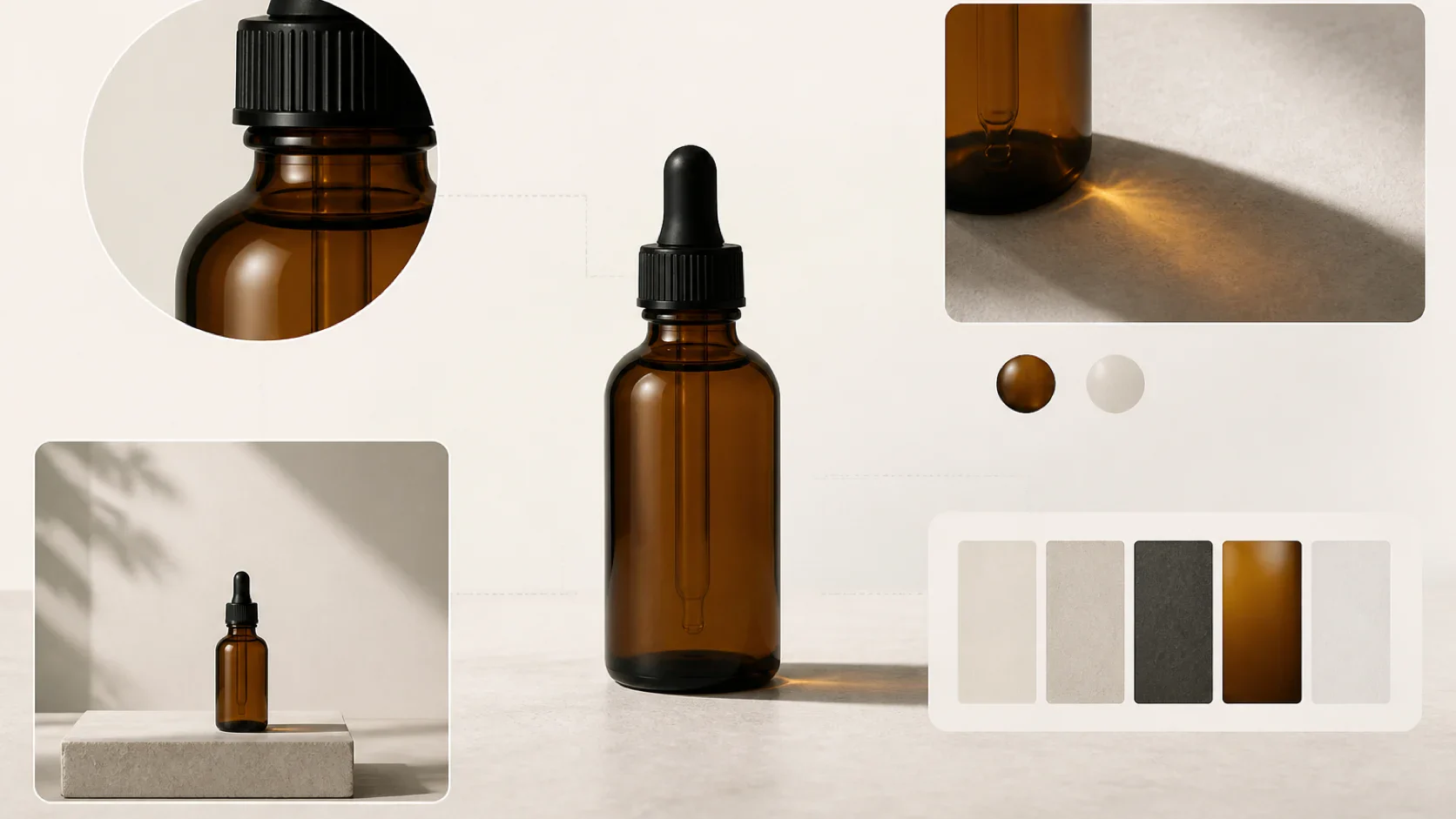
Keep one approved product image as the source of truth. Generated pixels can explore a backdrop or campaign mood, but they should not define a required label, ingredient claim, package dimension, or regulated mark. The existing guide to AI product photography uses the same separation between the subject, the scene, and the visual treatment.
FLUX.2: multi-reference product composition
FLUX.2 is built for a reference set in which each image contributes a different ingredient. One image can anchor the product, another can carry a material, a third can define the location, and a fourth can guide the lighting or palette. The model family also includes color control and output up to 4MP, which suits product marketing scenes that need more than a generic text-to-image result.
Its model choices describe different production priorities. The klein variants target speed and high-volume generation. pro targets production use. flex emphasizes control such as typography, and max targets the highest quality and grounding search. For a product-scene comparison, the useful distinction is not the name of the variant. It is whether the endpoint gives the team enough control to preserve the product while combining the rest of the scene.
FLUX.2 fits when:
- Several references have distinct jobs.
- Exact colors or proportions matter in the scene.
- The team can manage an API or playground outside Whisk AI.
- A pinned endpoint, reference order, and output resolution need to be recorded for repeatability.
The tradeoff is orchestration. The current FLUX.2 path requires its own access, endpoint choice, request handling, and output storage. A strong result from FLUX.2 does not mean the same model is available in Whisk AI. Treat it as an external option in the comparison, then score it against the same product reference and approval sheet.
Seedream 5.0: photorealism with an availability caveat
Seedream 5.0 appears in two names that matter for this comparison. ByteDance's current model surface highlights Seedream 5.0 Pro with advanced reasoning, interactive editing, photographic visual quality, and native multilingual generation. The current Whisk catalog exposes Seedream 5.0 Lite instead. That entry supports both text-to-image and image-to-image generation, accepts up to 14 reference images in image-to-image mode, and offers 1:1 through 21:9 ratios with Basic or High quality choices.
That makes Seedream 5.0 Lite a practical route for product-scene exploration inside Whisk AI. Use a product reference as the visual anchor, describe the surface and light in the prompt, then test a small number of scene changes at the same ratio. The model entry starts at 8 credits before other catalog changes, so a team can record an app-side generation cost while comparing directions.
Seedream 5.0 Lite fits when:
- You want a photorealistic product direction in the current Whisk image workspace.
- The brief needs a wide campaign ratio such as 16:9 or 21:9.
- A product reference and a concise scene description are enough to start.
- You want Basic and High quality as visible choices before a final pass.
The important boundary is variant identity. A Whisk run with Seedream 5.0 Lite is not evidence about every behavior of Seedream 5.0 Pro. Save the exact model name, mode, quality, ratio, reference count, and prompt with the output. That small record prevents a future team member from treating two different model surfaces as one reproducible result.
GPT Image 2: bounded edits around a known product
GPT Image 2 works well when the product already exists and the scene needs controlled changes. Image input can establish the subject. A prompt can change the setting, lighting, camera distance, or copy space. A mask can narrow the affected region, and a multi-turn path can keep the same direction alive across several corrections.
The current Whisk catalog exposes GPT Image 2 in both text-to-image and image-to-image modes. Its image-to-image entry accepts up to 16 reference images, with a 10 MB limit per image. The workspace exposes aspect-ratio choices and 1K, 2K, or 4K resolution options. The catalog starts the model at 10 credits, with higher multipliers for larger output.
GPT Image 2 fits when:
- One product image carries the identity that matters.
- The next request should change one area of the scene.
- A mask, a second prompt, or a new crop can reduce the blast radius of a revision.
- You want to try the model without leaving the Whisk AI workspace.
Its limit is product authority. A photorealistic bottle can still gain a wrong label, altered cap geometry, or a small mark that looks plausible at thumbnail size. Use GPT Image 2 to explore the visual route and to revise the scene. Use the approved product reference to validate the final object.
The broader reference-led image editing comparison uses the same rule: judge the cost and scope of the next revision, not only the first attractive image.
Choose by product-scene job
Preserve a product while changing the setting
Start with GPT Image 2. Upload a clean product reference, name the invariant details, and request one setting change. In Whisk AI, begin with image-to-image, a manageable resolution, and a single aspect ratio. Move to a larger output only after the product and scene direction survive review.
Combine several references into one scene
Start with FLUX.2. Assign each input one job before generating: product, surface, location, light, or color. Keep the order stable and record the endpoint. If the final scene cannot explain which reference controlled which detail, the input set is too loose to review.
Explore a wide photoreal campaign direction
Start with Seedream 5.0 Lite in Whisk AI. Use 16:9 for a campaign board or a landscape hero, and use 21:9 when the scene needs a cinematic sweep. Keep the product description concrete. Name the camera distance, material response, shadow direction, and the empty area reserved for copy.
Protect exact packaging and legal copy
Start with an approved photograph, not a generated image. Use any of these models to explore the environment around that source. Check every label, mark, closure, ingredient, dimension, and claim before a generated scene reaches a product page or paid campaign.
| Decision | First path to test | What to record | What can still fail |
|---|---|---|---|
| Known product, new background | GPT Image 2 in Whisk AI | Reference, mask or edit scope, ratio, resolution, credits | Product geometry or small marks can drift |
| Product plus several scene references | FLUX.2 | Reference order, endpoint, color values, output size, polling and storage | More orchestration creates more places for a mismatch |
| Fast wide scene exploration | Seedream 5.0 Lite in Whisk AI | Exact variant, mode, quality, ratio, references, prompt | Lite and Pro behavior should not be treated as interchangeable |
| Final packaging record | Approved source plus human review | Source image, final crop, required copy, sign-off | No generative model guarantees catalog or legal truth |
Run a fair three-model test
Use one unbranded amber dropper bottle, one landscape ratio, one scene brief, and one review size. Give every path the same source reference where the product mode allows it. Do not compare a first draft from one model with a polished fifth revision from another.
Run the test in five passes:
- Generate the anchor scene and record the exact model or variant, mode, ratio, resolution, references, and cost.
- Change the background while keeping the product, camera angle, and crop stable.
- Add one material or lighting reference and check whether the bottle remains the same object.
- Request one bounded correction, such as moving the shadow or opening negative space on the right.
- Score product fidelity, light and material, composition, output fit, and the time needed to reach a reviewable direction.
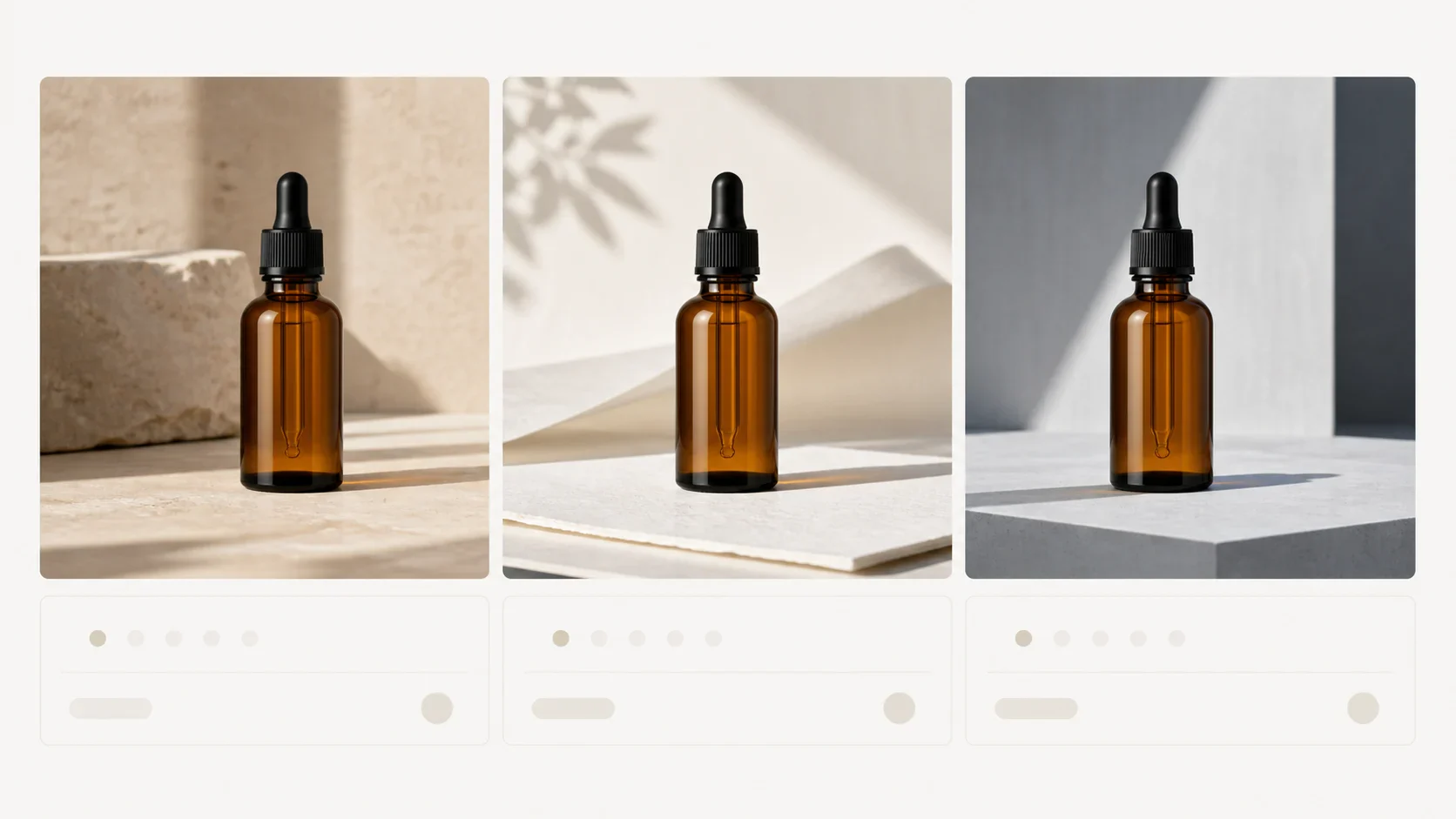
The test should expose the handoff, not create a fake leaderboard. FLUX.2 may earn its place when the reference set is complex. Seedream 5.0 Lite may reduce friction when the team wants a wide direction in Whisk AI. GPT Image 2 may reduce revision cost when one known product needs a sequence of small scene edits.
Review the output before approval
Review every candidate at the crop and size where a customer will see it. Check:
- Product fidelity: silhouette, proportions, cap, closures, glass or metal response, and required marks.
- Lighting: highlight direction, contact shadow, reflections, transparency, and consistency across the scene.
- Composition: camera distance, horizon, crop, negative space, and product scale.
- Reference control: whether the supplied material, location, or color reference appears without taking over the product.
- Revision path: whether the next correction names one target and one expected change.
| Review dimension | Pass condition | Revise or reject when |
|---|---|---|
| Product truth | The object reads as the approved product at the final viewing size | A plausible detail replaces an important real detail |
| Physical realism | Light, shadow, surface, and transparency agree | The bottle looks pasted into the scene or the material changes without a request |
| Composition | Ratio, crop, camera distance, and copy space serve the channel | The scene needs another rebuild before review |
| Reference use | Each important reference has a visible, explainable effect | The result falls back to a generic product set |
| Next revision | One bounded change has a clear input and owner | The team must restart the whole brief to fix one defect |
Bottom line
Choose FLUX.2 for multi-reference product composition, explicit color control, and an external production path that can justify its orchestration cost. Choose Seedream 5.0 Lite for photorealistic scene exploration inside the current Whisk catalog, while recording that the Whisk entry is Lite rather than the official Seedream 5.0 Pro surface. Choose GPT Image 2 for a known product that needs image input, bounded edits, masks, and repeated scene revisions.
There is no universal winner. The best path follows the product job: FLUX.2 for a complex reference set, Seedream 5.0 Lite for a quick wide direction in Whisk AI, and GPT Image 2 for controlled iteration around an approved subject. Treat generated imagery as a creative route until a human approves the product truth.
Frequently asked questions
Which model is best for photorealistic product scenes?
FLUX.2 is the strongest starting point when several references need to become one scene. Seedream 5.0 Lite is a practical Whisk AI route for wide photoreal exploration. GPT Image 2 is the strongest starting point when a known product needs a sequence of bounded edits. The right answer follows the scene job.
Does Whisk AI offer all three models?
No. The current Whisk image catalog exposes GPT Image 2 and Seedream 5.0 Lite. FLUX.2 is not a current Whisk generation entry, so a FLUX.2 comparison run needs its own external access and storage path.
Is Seedream 5.0 Lite the same as Seedream 5.0 Pro?
No. They belong to the same model family, but the current Whisk entry is Seedream 5.0 Lite while ByteDance's current model surface highlights Seedream 5.0 Pro. Record the exact variant when you compare results or plan a production handoff.
Which path handles multiple references?
All three paths can involve multiple images, but the contract differs. FLUX.2 is designed around multi-reference composition. Whisk's current Seedream 5.0 Lite image-to-image entry accepts up to 14 references, and its GPT Image 2 image-to-image entry accepts up to 16. Reference count alone does not guarantee control. Give every image a clear job.
Can a generated scene replace a final product photograph?
Not when the product carries exact packaging, legal copy, dimensions, ingredients, or compliance information. Keep an approved photograph as the authority, use generation to explore the setting, and review the final object at the channel's actual size.