
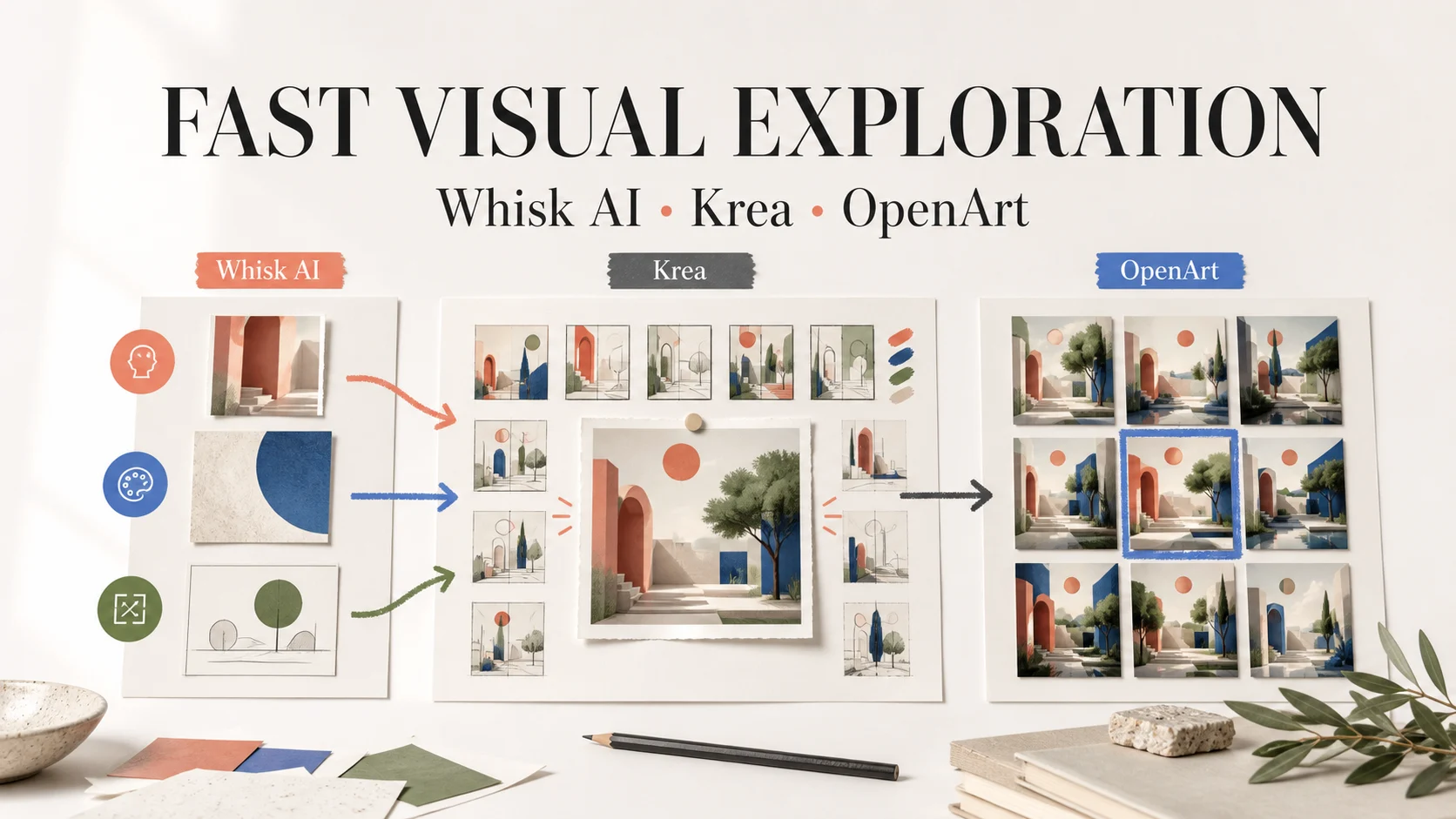
Fast visual exploration is not one speed test. A team may need a useful first image, variations of one direction, a controlled correction, or a repeatable decision. Whisk AI, Krea, and OpenArt make different parts of that loop easier.
Whisk AI starts with prompts and assigned visual references. Krea puts live steering and a broad creative suite in the foreground. OpenArt puts model choice, editing, characters, and larger creative workflows in one place. The right choice depends on the work after the first render.
This comparison uses the same frame for all three: input control, exploration breadth, output fit, revision cost, and repeatability. It does not treat one platform as a universal winner. Use the Whisk AI workspace when you want to test the reference-led path while you read.
The short answer
| Platform | Best starting point | What makes exploration fast | Main constraint |
|---|---|---|---|
| Whisk AI | Explore a known subject through different scenes and styles | Subject, Scene, and Style references give each input a clear job | It is a focused image direction workspace, not a large model marketplace |
| Krea | Steer a visual idea while you are still deciding what it should become | Realtime Canvas, image prompts, style transfer, model access, and enhancement sit in one creative suite | Compute-unit plans and model access vary, so cost depends on the exploration loop |
| OpenArt | Compare many model behaviors or grow one idea into characters, video, and other assets | A broad model catalog, same-canvas editing, reference images, reusable characters, and parallel generations | More choices can slow the first decision and add plan-specific constraints |
Choose Whisk AI when the reference carries the identity. Choose Krea when the visual change needs immediate feedback. Choose OpenArt when the comparison set or downstream asset set is the main problem. The winning workflow may use one tool for discovery and another for production review.
What fast visual exploration measures
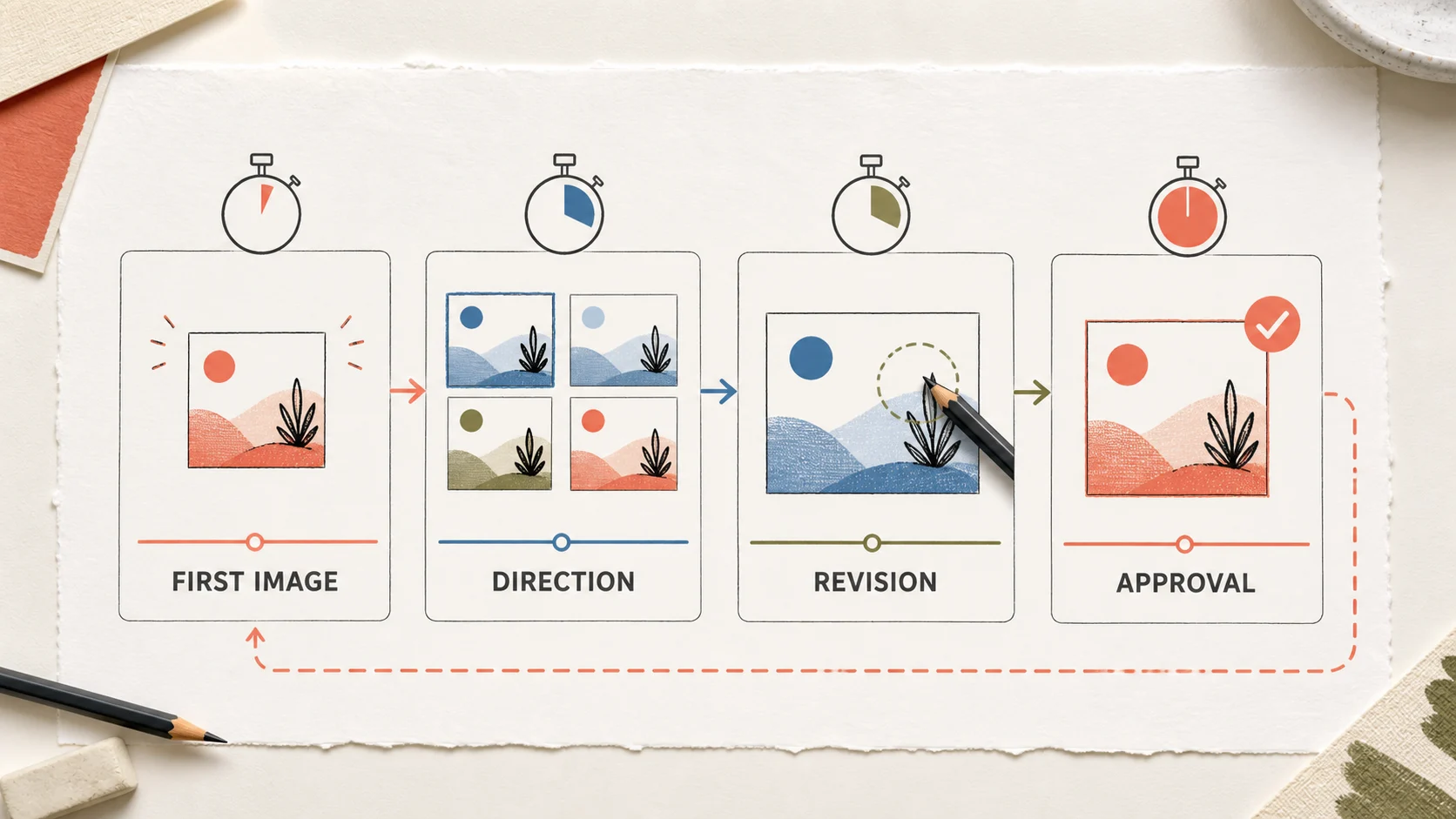
Four clocks describe the work better than raw generation time:
- First image: How quickly can you get a usable visual direction from the brief?
- Direction: How quickly can you test a second composition, mood, or material without losing the first route?
- Revision: How much effort does one bounded correction take?
- Approval: Can a teammate understand why the selected image won and reproduce the decision later?
Record these details during a comparison:
| Review dimension | Question | What to record |
|---|---|---|
| Input control | Does each reference have a distinct role? | Subject identity, scene, style, pose, color, or material |
| Exploration breadth | Can you test a different route without rebuilding the brief? | Number of useful branches and how clearly they differ |
| Output fit | Can the chosen image enter the next step? | Ratio, resolution, copy space, format, and subject accuracy |
| Revision cost | Can you ask for one change without collateral drift? | Time, attempts, credits or compute units, and failed details |
| Repeatability | Can another person find the same route? | Saved references, model or tool choice, prompt, and review notes |
The last two dimensions separate a fun demo from a useful working method. A fast first image has little value if the team cannot fix the cap, crop, lighting, or copy space next.
Whisk AI: reference-led direction
Whisk AI treats reference images as parts of a brief. Its remix workspace maps image inputs into three roles: Subject, Scene, and Style. That separation helps you tell the system which visual facts must remain recognizable and which ones can change.
The workflow fits an early campaign question such as: keep this bottle and its proportions, place it in a pale stone setting, and borrow the soft shadow language from a second image. A small reference set makes the next revision easier to diagnose.
The current image workspace supports text-to-image, image-to-image, and reference-led remixing. Its catalog exposes image models and mode-specific controls, while the workspace can preview an estimated credit cost before submission.
Whisk AI works well when:
- One subject or product needs to stay recognizable across several visual routes.
- You want to separate subject identity from scene and style direction.
- The team would rather compare a few intentional branches than browse a large catalog.
Generated output can change a label, small mark, material detail, or proportion. Treat the approved source image as the authority for product facts. The AI product photography guide shows the same Subject, Scene, and Style split in a production-oriented exercise.
Krea: live steering and model breadth
Krea positions its product as a creative suite for images, video, and 3D. Its current surface includes realtime image generation, Realtime Canvas, image prompts, style transfer, generative editing, and enhancement tools. That suits a creator who wants to adjust composition while the direction forms.
Realtime feedback lets you move through rough composition, color, and atmosphere changes while the idea is visible. That makes Krea a strong fit for mood exploration, live art direction, and the stage where a creator knows the feeling but not the final wording.
Krea also gives model and style breadth a prominent role. Its suite extends into video and enhancement, while pricing uses compute units with access and concurrency changing by plan. Compare the useful decisions a plan supports, not one isolated generation.
Krea works well when:
- You need visual feedback before the brief has settled.
- Composition and atmosphere matter more than preserving one exact reference.
- You want generation, editing, enhancement, and model choice in one suite.
The tradeoff is choice overhead. A large suite can make it harder to remember which model, setting, or live interaction produced the selected route. Save the input, model, and reason for approval when the image becomes part of a real project.
OpenArt: model discovery and reusable worlds
OpenArt is built around breadth. Its current product surface brings image and video creation together with a large set of models, same-canvas editing, reference-image workflows, character reuse, and other creative tools. That makes it useful when you need to compare both directions and model behavior.
The same-canvas path supports a practical loop: generate an image, erase or replace a detail, expand the frame, restyle the scene, or upscale the result. Consistent characters can carry one identity into more scenes instead of rebuilding it for every image.
OpenArt's pricing page expresses usage through monthly credits and plan-specific limits, including parallel-generation capacity, model access, editing tools, and character allowances. That structure supports wider comparisons but can push the workflow toward unnecessary branches.
OpenArt works well when:
- You want to compare outputs from several current image models.
- A selected direction needs characters, scenes, or video extensions later.
- Same-canvas edits, reusable identity, or parallel generations matter more than a small reference set.
The risk is decision sprawl. Set a stopping rule before opening another model. A wider gallery helps only when each branch answers a different creative question.
Choose by exploration job
Preserve a known subject
Start with Whisk AI. Assign the approved image to Subject, add a scene reference when needed, and keep Style separate.
Steer a visual feeling
Start with Krea. Use the realtime surface to test composition, color, and atmosphere before polishing a brief.
Compare model behavior
Start with OpenArt. Hold the brief constant while switching models, then score each output against the same subject, crop, and copy-space requirements.
Extend a winning direction
Choose the platform that reduces the next handoff: Whisk AI for reference-led direction, Krea for generation and enhancement, or OpenArt for characters, video, and reusable assets.
| Exploration job | Strong starting choice | Why | Watch for |
|---|---|---|---|
| Product or subject variations | Whisk AI | Clear reference roles reduce ambiguity | Small identity details still need review |
| Live mood and composition study | Krea | Immediate visual feedback supports fast steering | Record the settings behind the selected frame |
| Multi-model comparison | OpenArt | Broad model access keeps the brief in one place | Stop branching when the question is answered |
| Cross-format expansion | Krea or OpenArt | Both extend beyond a single image workflow | Confirm plan rights, limits, and output fit |
Run the same brief through all three
Use a neutral test brief so the platform does not win because the prompt favors its native style:
Place an unbranded amber skincare bottle on pale limestone. Explore a quiet morning campaign direction with soft side light, a warm off-white background, and clear negative space on the right for copy.
Keep the source, aspect ratio, output target, and review time constant. Run this sequence:
- Generate one first direction.
- Create two branches that change only the scene or lighting.
- Ask for one controlled correction, such as moving the bottle or restoring the cap.
- Create one crop with copy space.
- Record the tool path, model or mode, usage unit, failed detail, and next edit.
Do not compare a polished branch from one platform with a first attempt from another. Give each tool one revision. The comparison should measure the work required to reach a direction someone can approve.
Review the direction before you approve it
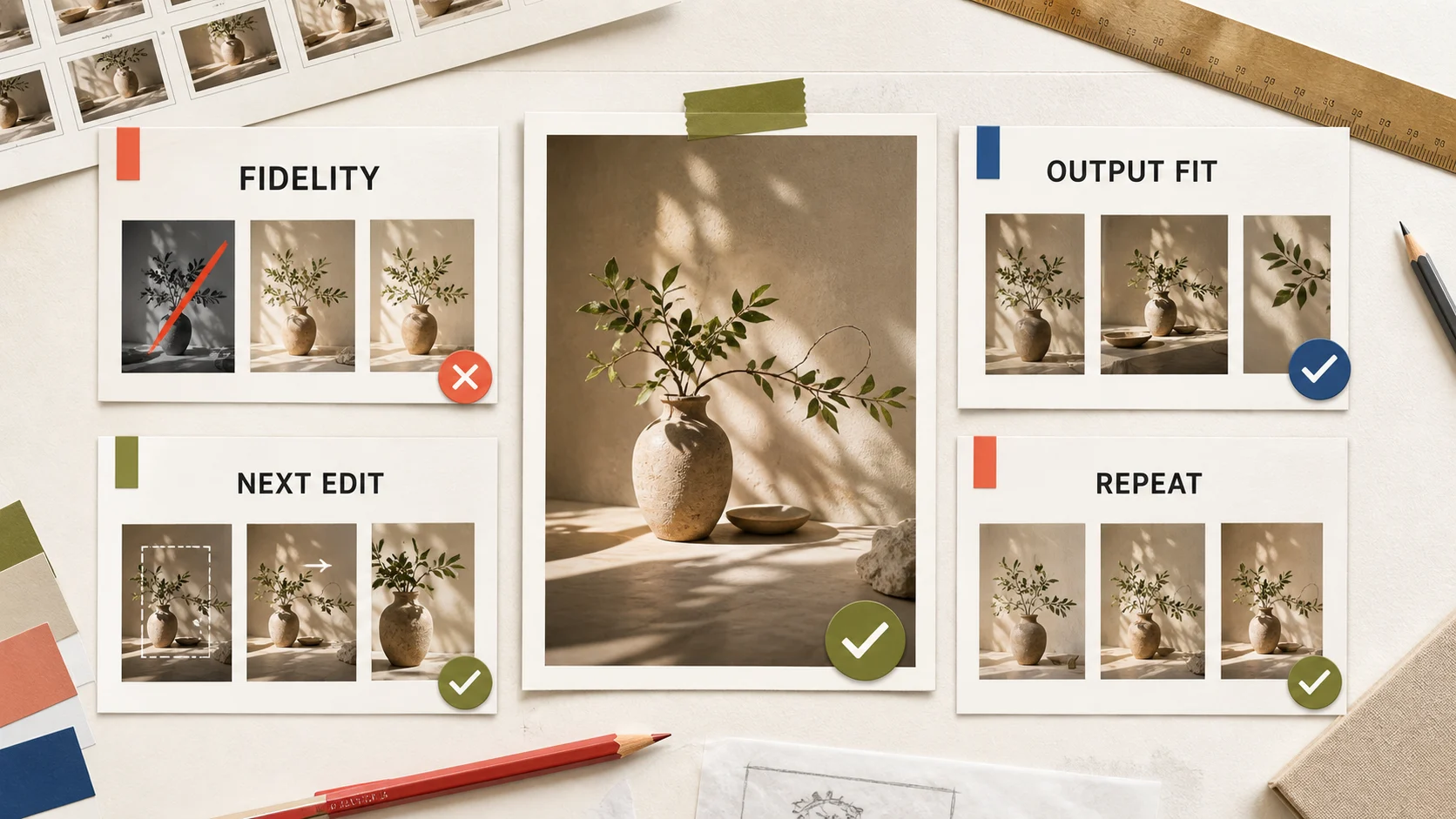
Use the same scorecard at the size where a customer will see the image:
- Fidelity: Does the subject retain the shape, cap, material, and details that matter?
- Output fit: Does the crop, ratio, resolution, and negative space match the channel?
- Next edit: Can you name one bounded change instead of rebuilding the whole brief?
- Repeatability: Can another teammate find the inputs and settings behind the result?
| Dimension | Pass condition | Revise when |
|---|---|---|
| Fidelity | The buyer-relevant subject remains recognizable | The requested scene change alters the product |
| Output fit | The result has the right ratio, resolution, and copy space | A second composition is required before use |
| Next edit | One change has one clear target | The whole prompt must be rebuilt to fix one defect |
| Repeatability | Inputs and choices are recorded | The team cannot explain why the frame won |
This review also protects the handoff. Generated images can explore a visual route, but approved photography and brand references should remain the source of truth for labels, claims, measurements, and other precise facts.
Bottom line
Whisk AI is the strongest starting point for reference-led image direction. Krea is the strongest fit for live steering while composition and mood are still moving. OpenArt is the strongest fit for model breadth, same-canvas edits, and creative directions that may grow into characters or video.
Define the speed you need before choosing a tool. If the team needs a recognizable subject in several scenes, begin with the Whisk AI workspace. If it needs live visual feedback, use Krea. If it needs a broad model comparison and a larger asset path, use OpenArt. A clear stopping rule will save more time than another model button.
Frequently asked questions
Which platform is fastest for visual exploration?
Whisk AI is fast for reference-led subject and scene variations. Krea is fast for live composition and atmosphere changes. OpenArt is fast for comparing many model behaviors and extending a selected route. The answer changes with the clock you are measuring.
Can I use the same brief in all three tools?
Yes. Keep the source image, aspect ratio, output target, and review criteria fixed. Let each platform use its native input path, then record the settings and one revision instead of comparing only the first image.
Does the Whisk AI workspace include Krea or OpenArt models?
No. Whisk AI's current catalog is its own set of image, video, and music models. Krea and OpenArt are separate comparison options. The useful test is the workflow, not an assumption that one service hosts the other services' catalogs.
Should a generated image become a final product photo?
Use approved product material for exact labels, claims, dimensions, and compliance details. Use generated images to explore the surrounding scene, lighting, crop, and campaign direction, then review the selected route before publication.